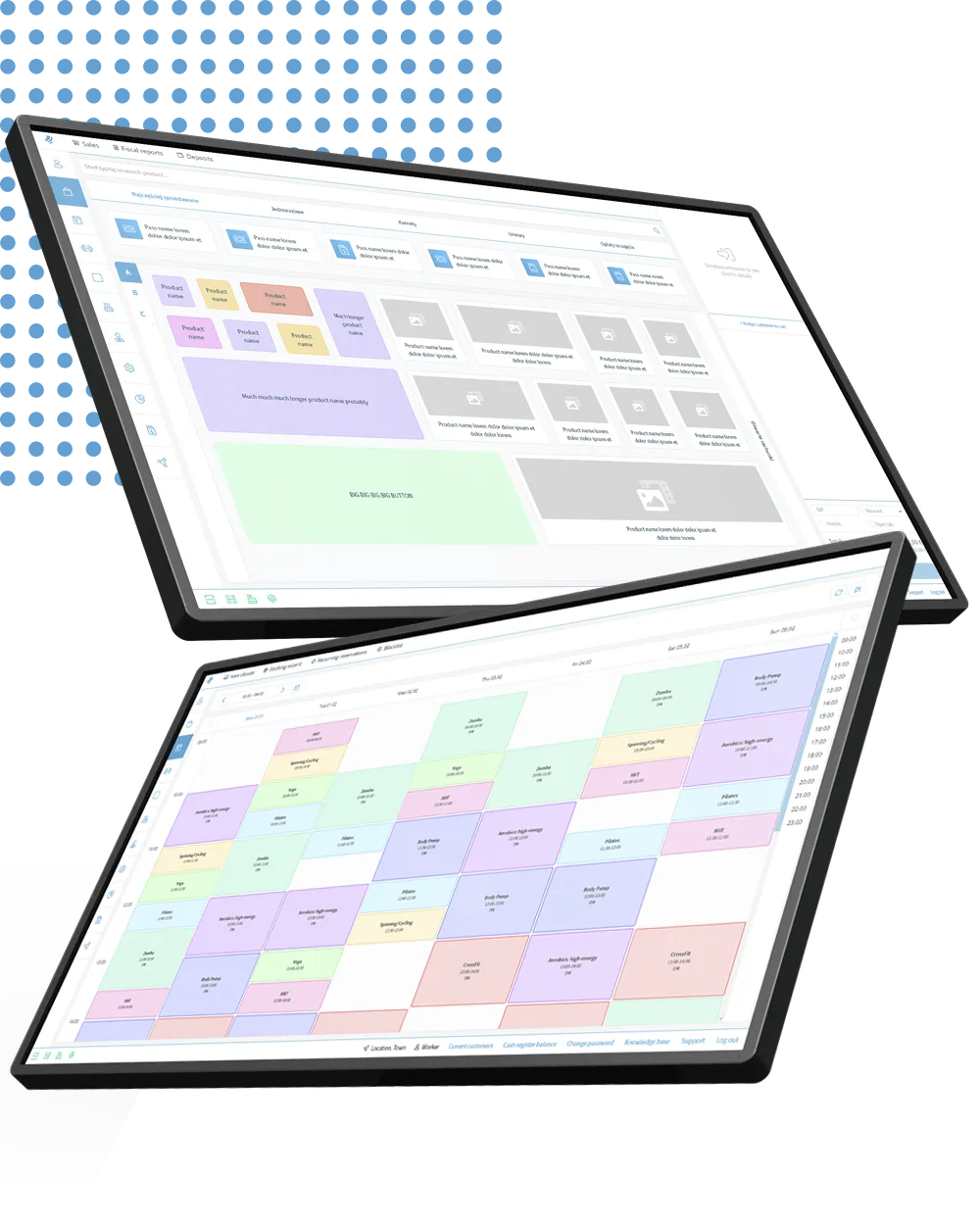
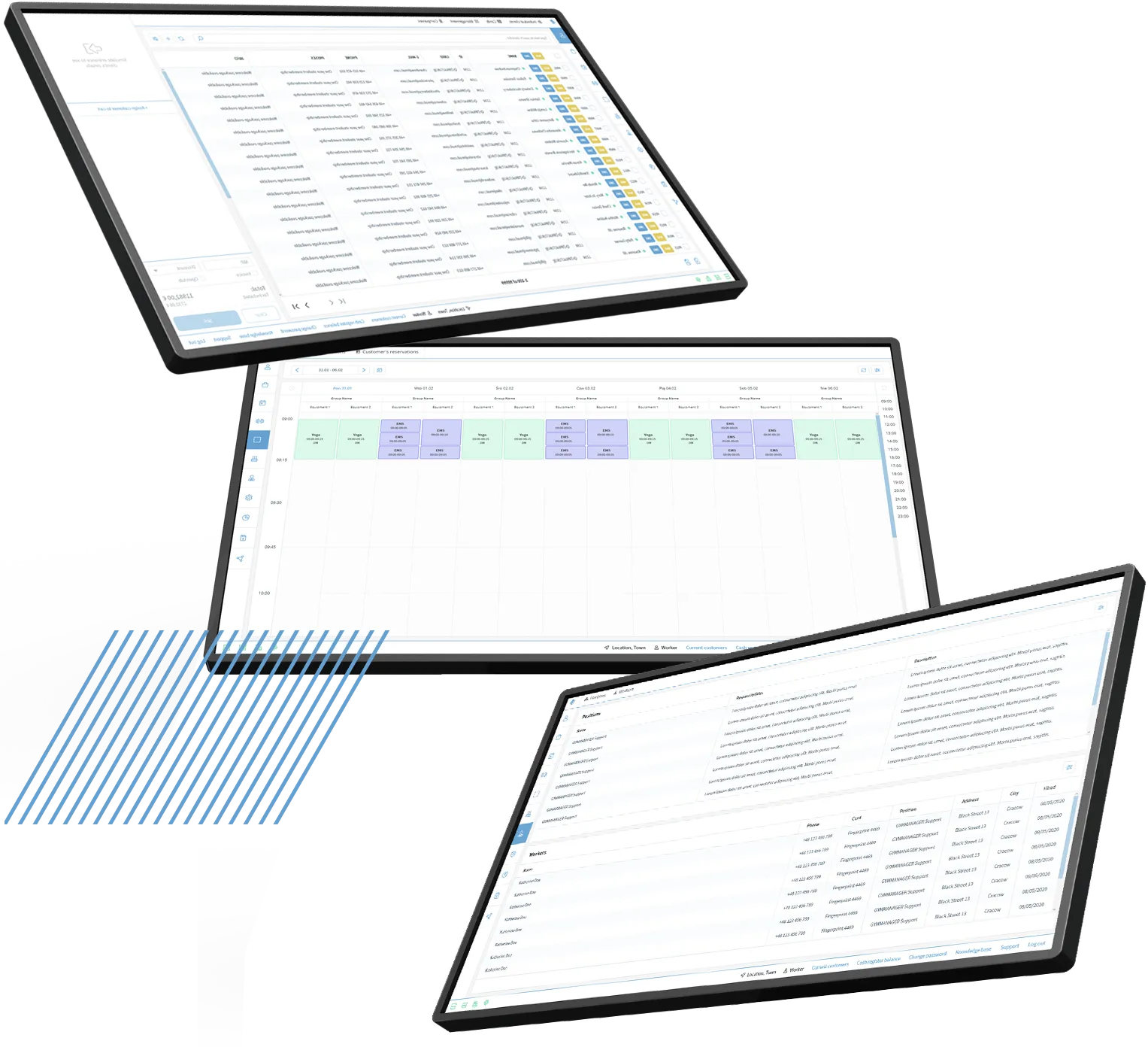
POS (Point of Sale) is a sophisticated tool that makes both sales and customer service quick, easy, and enjoyable. Advanced integrations and modern features enable conscious and strategic management of the facility and its users.
Monitor number of entries, class attendance, and purchase history. Take notes, analyze behaviors, react proactively, and handle them efficiently in the “check-in” view (basic information about the club member).
2
Send automatic email and SMS messages to customers
Manage their access, assign them to selected groups, activate accounts in other sales modules, and limit access to those who generate empty bookings.
3
Streamline the sales process
Set fees, add payment methods, implement partner systems. Enable contract suspension or debt collection options. Configure pricing, establish promotions, discounts, and rebates, and control who grants them and how frequently.
4
Manage offerings
Add classes, create schedules, reserve rooms. Launch new customer service points, configure self-service kiosks. Manage rooms, zones, and available devices in the facility.
1
Get to know your customers well
Monitor number of entries, class attendance, and purchase history. Take notes, analyze behaviors, react proactively, and handle them efficiently in the “check-in” view (basic information about the club member).
2
Send automatic email and SMS messages to customers
Manage their access, assign them to selected groups, activate accounts in other sales modules, and limit access to those who generate empty bookings.
3
Streamline the sales process
Set fees, add payment methods, implement partner systems. Enable contract suspension or debt collection options. Configure pricing, establish promotions, discounts, and rebates, and control who grants them and how frequently.
4
Manage offerings
Add classes, create schedules, reserve rooms. Launch new customer service points, configure self-service kiosks. Manage rooms, zones, and available devices in the facility.
1
Get to know your customers well
Monitor number of entries, class attendance, and purchase history. Take notes, analyze behaviors, react proactively, and handle them efficiently in the “check-in” view (basic information about the club member).
2
Send automatic email and SMS messages to customers
Manage their access, assign them to selected groups, activate accounts in other sales modules, and limit access to those who generate empty bookings.
3
Streamline the sales process
Set fees, add payment methods, implement partner systems. Enable contract suspension or debt collection options. Configure pricing, establish promotions, discounts, and rebates, and control who grants them and how frequently.
4
Manage offerings
Add classes, create schedules, reserve rooms. Launch new customer service points, configure self-service kiosks. Manage rooms, zones, and available devices in the facility.
Verify business conditions based on sold contracts and projected revenues.
Free presentation
Reserve 30 minutes and learn how to effectively grow and scale your business with GYMMANAGER software.